
Booking a family holiday can involve a ridiculous amount of research. What starts as a quick look at a few hotels can easily turn into an entire evening spent switching between booking websites, checking flight times, comparing room arrangements and trying to work out what’s actually included in the price. Even when you’ve narrowed things down to two or three options, making a final decision isn’t always straightforward.
Personally, I agonise over these things. I couldn’t bear it if I booked a hotel, for example, and found it £50 cheaper somewhere else – that would really bother me.
Part of the problem is that holiday websites don’t necessarily present information in the same way. One might include breakfast in the advertised price, while another charges extra. Some show the total cost immediately, whereas others highlight a per-person price. Throw in different baggage allowances, cancellation policies, airport transfers and room configurations, and comparing what initially looked like very similar holidays becomes surprisingly complicated.
For families, these details can make an enormous difference. A flight that arrives at midnight might be manageable for a couple travelling alone, but far less appealing with tired children. A cheaper hotel might not offer the sleeping arrangements you need, and an attractive package price might suddenly look less competitive once you’ve added the extras.
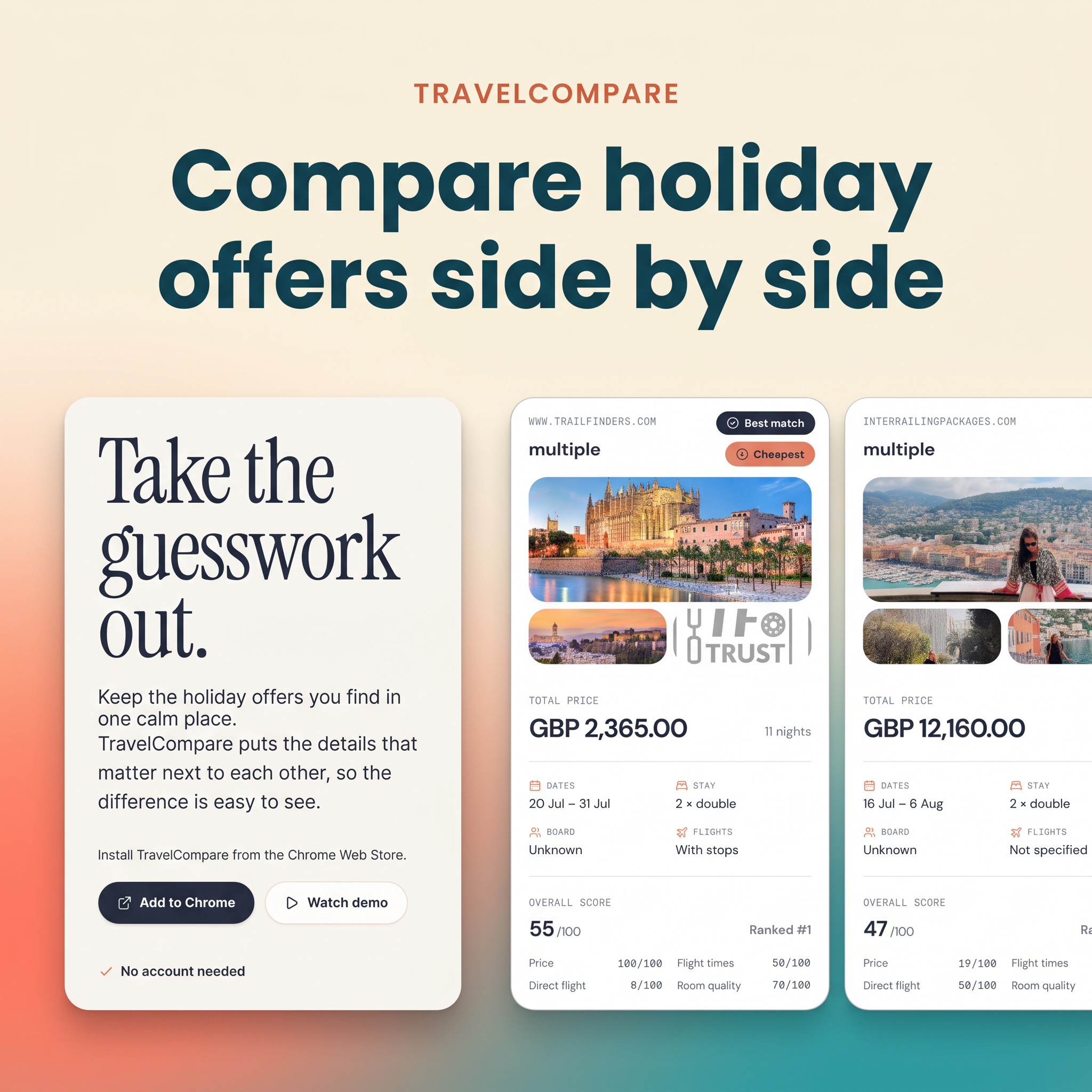
This is where TravelCompare comes in. It’s a free Chrome extension designed to help travellers organise the holiday offers they’ve already found and compare them properly, without constantly jumping between websites or trying to remember which deal included what.
What exactly is TravelCompare?
TravelCompare takes a slightly different approach from traditional holiday comparison websites. Rather than searching for holidays on your behalf and producing a list of available deals, it works with the offers you’ve found yourself.
This is an important distinction, particularly for anyone who likes researching holidays independently. You can continue browsing the websites you normally use, whether that’s a hotel booking platform, an airline or a holiday company, and collect the options you’re interested in comparing.
Once you’ve found an offer worth considering, the Chrome extension allows you to bring its details into a saved trip comparison. You can then add other options and look at them alongside each other, with the aim of making the important differences easier to identify.
TravelCompare also allows users to establish what matters most to them when setting up a comparison. This is useful because the best holiday for one family won’t necessarily be the best option for another. Some people will prioritise keeping costs down, while others might be more concerned about flight schedules, accommodation or what’s included.
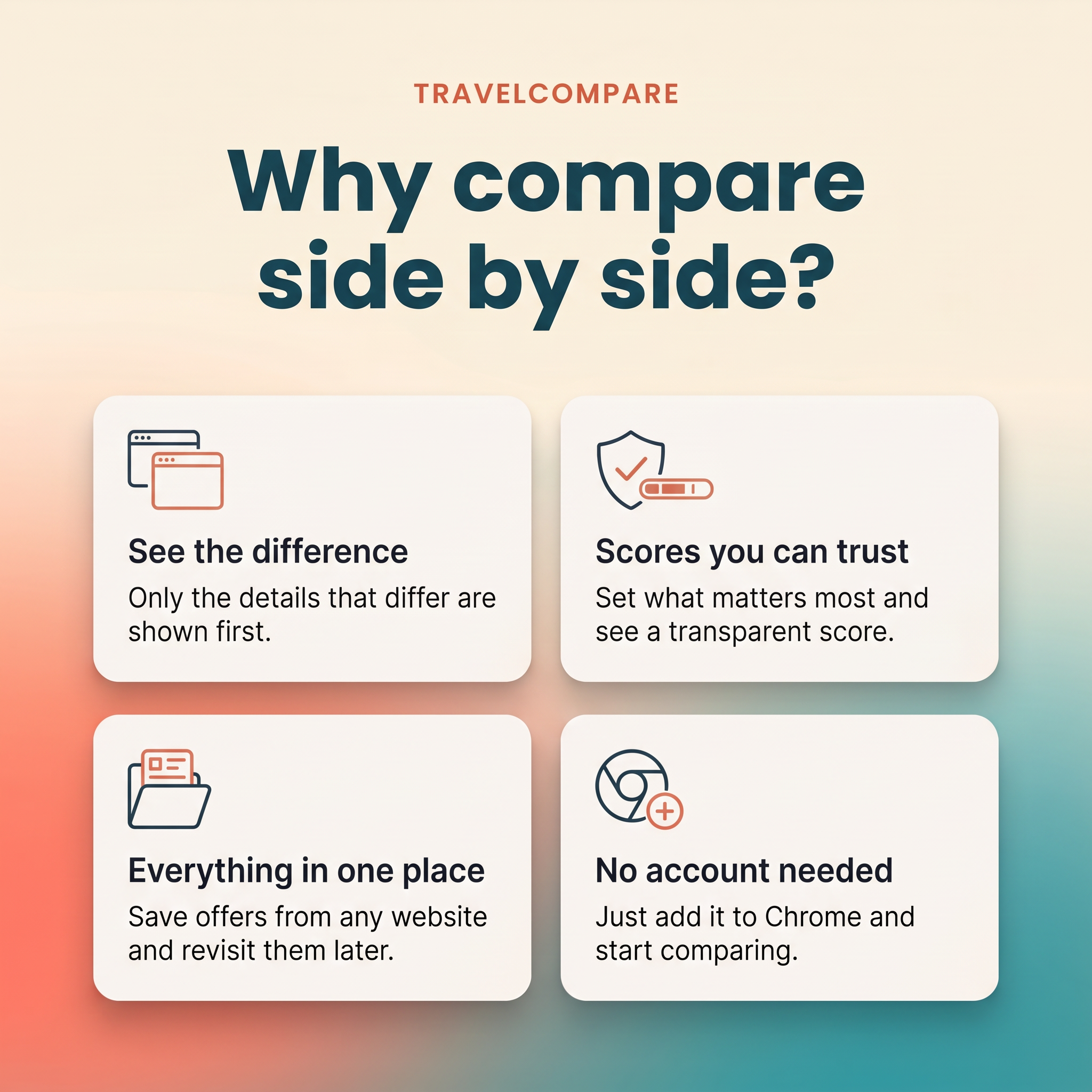
The extension is free to use, and there’s no requirement to create an account before getting started. You will need to use Google Chrome and install the extension, but the general idea is to make comparing holidays an extension of the research you’re already doing, rather than introducing an entirely separate booking process.
Why comparing holidays side by side makes sense
There’s a significant difference between finding a cheap holiday and finding a holiday that offers good value. This becomes particularly obvious when you’re arranging a trip for several people, as the smallest differences between packages can have a considerable impact on the overall experience.
Consider a family of four looking at two holidays to the same destination. The first offer might be £200 cheaper, but the flight times mean losing most of the first day and arriving home very late on the final day. The second option costs more but includes convenient flights, a better room arrangement and breakfast. Depending on the family’s priorities, spending the extra money could be worthwhile.
Equally, it’s easy to pay more for things that don’t actually matter to you. An expensive hotel might offer facilities you have no intention of using, particularly if you’re planning to spend most of your time exploring the destination. Having the details presented together makes it easier to consider what you’re actually getting for your money.
One of TravelCompare’s most interesting features is that it aims to highlight the differences between offers rather than making you read through the same information repeatedly. When two options have identical dates or similar inclusions, you can concentrate on the things that distinguish them.
It might sound like a relatively small change, but anyone who regularly compares holidays will appreciate how much easier that could make the decision-making process. It can be really overwhelming to try and figure all that out for yourself when there are so many variables.

Comparing hotels for Disneyland Paris
Disneyland Paris is a particularly good example of a destination where holiday comparisons can become complicated. There are official Disney hotels, partner hotels and independent accommodation options, with substantial differences in price, location, facilities and room arrangements. Families also need to consider how they’ll travel between their hotel and the parks, whether breakfast is included and which aspects of the Disney hotel experience are important to them.
A TravelCompare example using two Disneyland Paris hotels demonstrates how the extension presents different accommodation offers side by side.
The comparison includes Dream Castle Hotel, advertised at £671.50 for two nights, and Disney Hotel New York, priced at £2,673.24 for the same length of stay. Both offers show breakfast included, although the room arrangements differ. Dream Castle Hotel is listed with a suite, while the Disney Hotel New York option shows two double beds.
The prices are taken from the example comparison and shouldn’t be treated as current bookable rates. What’s interesting is the way the two options are presented, making it immediately clear that the difference in cost is substantial.
There’s obviously more to choosing between those particular hotels than the room price alone. Disney Hotel New York is an official Disney hotel, and the experience of staying on Disney property may be an important part of the holiday for some families. Others might be perfectly happy staying at Dream Castle Hotel and putting the considerable difference in accommodation costs towards park tickets, meals or another family experience.
Neither decision is automatically right or wrong. It depends on the budget, expectations and preferences of the people travelling.
The example also shows TravelCompare assigning scores to the two offers, with Dream Castle Hotel receiving 75 out of 100 and Disney Hotel New York receiving 49 out of 100. The extension is designed to use the priorities established by the traveller to help with this assessment, although it’s important to understand how those scores are calculated before relying on them.
What makes this approach appealing is that it encourages people to evaluate the holiday as a whole. The cheapest option might come out on top, but there’s also room to consider whether paying more provides benefits that are genuinely important to your family.
Keeping holiday research organised
Another potentially useful aspect of TravelCompare is the ability to save offers and revisit them later. Not everyone books a holiday in one sitting. In fact, when you’re planning a big family trip or trying to coordinate dates with other people, research can stretch over several days or weeks. It’s common to find an interesting hotel, get distracted by something else and then struggle to remember which website had the offer you liked.
Saving everything under a particular trip could make this easier to manage, especially when you’re considering several destinations or different ways of booking the same holiday.
It also means you don’t necessarily have to make a decision immediately. You can build up a shortlist and return to it when you’ve had time to think, discuss the options or establish exactly how much you want to spend.
Naturally, holiday prices and availability can change, so a saved offer shouldn’t be assumed to remain available at its original price. Any booking details would still need to be checked with the travel provider before making a reservation.
Making holiday decisions together
Holiday planning often involves more than one person’s preferences, particularly when travelling with extended family or friends. It’s not unusual for one person to end up doing most of the research, then spending ages sending links and explaining the differences to everyone else.
TravelCompare includes a sharing feature intended to make this more manageable. Travellers can share their saved trip comparisons with other people, allowing family members or friends to view the same offers rather than receiving a collection of separate booking links.
This could be particularly valuable when organising holidays with grandparents, arranging a trip involving several families or planning a break with friends who live in different places.
It could also be a useful way to involve older children in holiday planning. Teenagers, for example, can have quite strong opinions about where they want to stay and what they want to do, but may not always appreciate the costs involved. Being able to see different options and discuss what’s included provides a practical opportunity to talk about budgets and priorities.
Is TravelCompare easy to use?
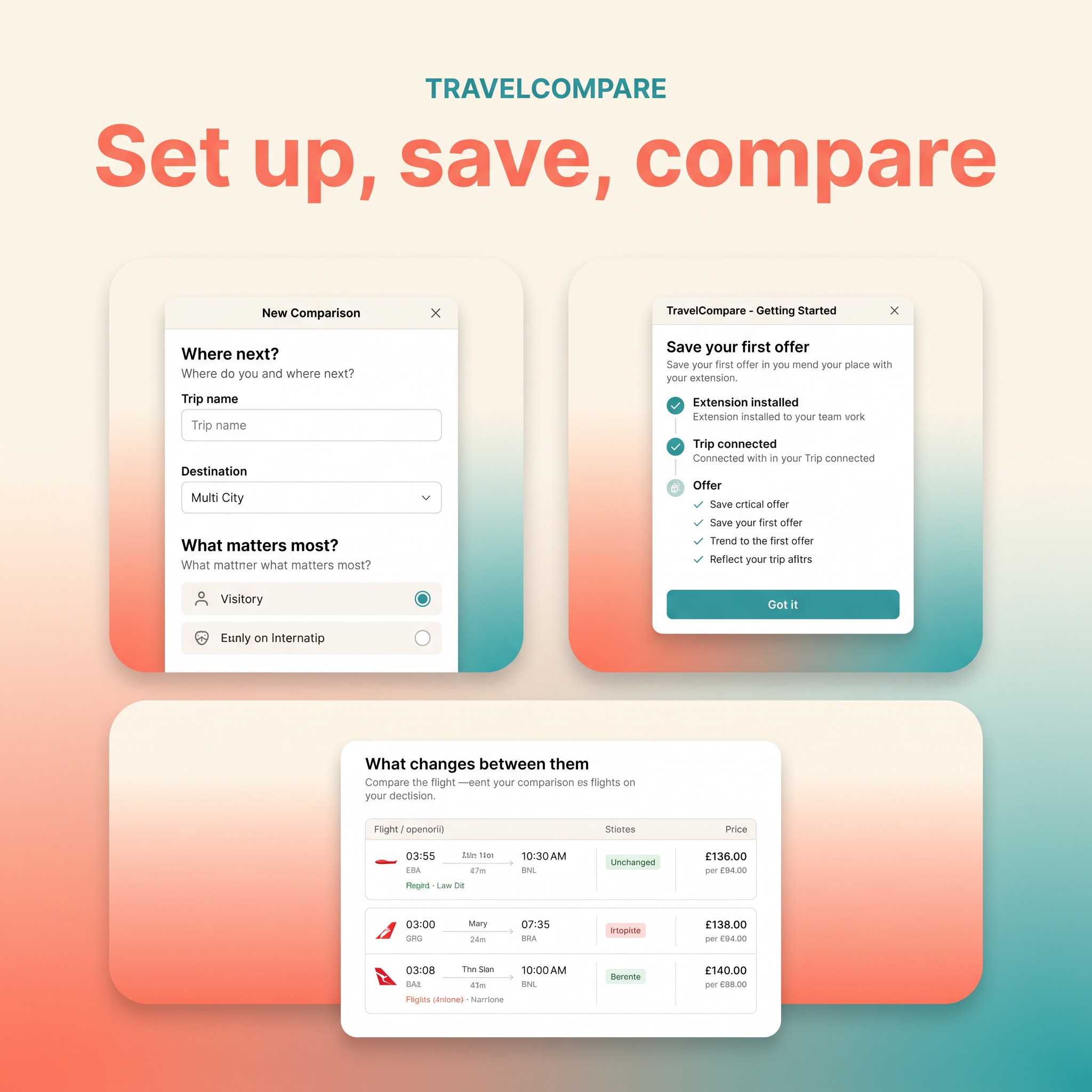
The general process is straightforward. After installing the Chrome extension, you create a trip, choose your priorities and start adding offers from websites you’ve been browsing. Easy.
The comparison section then brings the details together in a table, making it possible to see how the offers differ. This is a much more useful way to present the information than simply collecting links, particularly when the offers have different room arrangements or inclusions.
TravelCompare is currently in beta, and the extension’s ability to capture information may vary depending on the travel website being used. Travellers should review imported details carefully, correcting anything that’s missing or inaccurate before relying on the comparison.
The Disneyland Paris screenshots provide a useful illustration of the comparison interface, although they don’t establish how consistently the extension performs across different booking websites. A full hands-on assessment would also need to check how reliably offers are imported, how easily information can be edited and how well the sharing feature works in practice.
Is TravelCompare worth trying?
TravelCompare is aimed at a problem that will be familiar to anyone who spends time researching holidays online. There are plenty of websites available to help travellers find flights, hotels and packages, but bringing those different options together in a meaningful way is often left to the person doing the planning.
The ability to save offers from different websites, compare them according to individual priorities and share the results with other people makes TravelCompare an interesting addition to the holiday-planning process.
It could be especially useful for families who prefer to research their own trips rather than book the first suitable package they find. The more options you’re considering, the more valuable it becomes to have a clear overview of the prices, dates and practical differences.
As the extension is still being developed, it’s worth trying it with a couple of offers before relying on it for a larger holiday comparison.
For families who regularly find themselves surrounded by open browser tabs while trying to book their next holiday, however, the concept certainly makes sense. A little more clarity during the research stage could help make the final booking decision easier and more confident.
TravelCompare is free to use and currently available as a Chrome extension. You can explore the tool, watch the demonstration and find out how to get started at gettravelcompare.com.
